
Turn yourTikTok LIVEinto a game
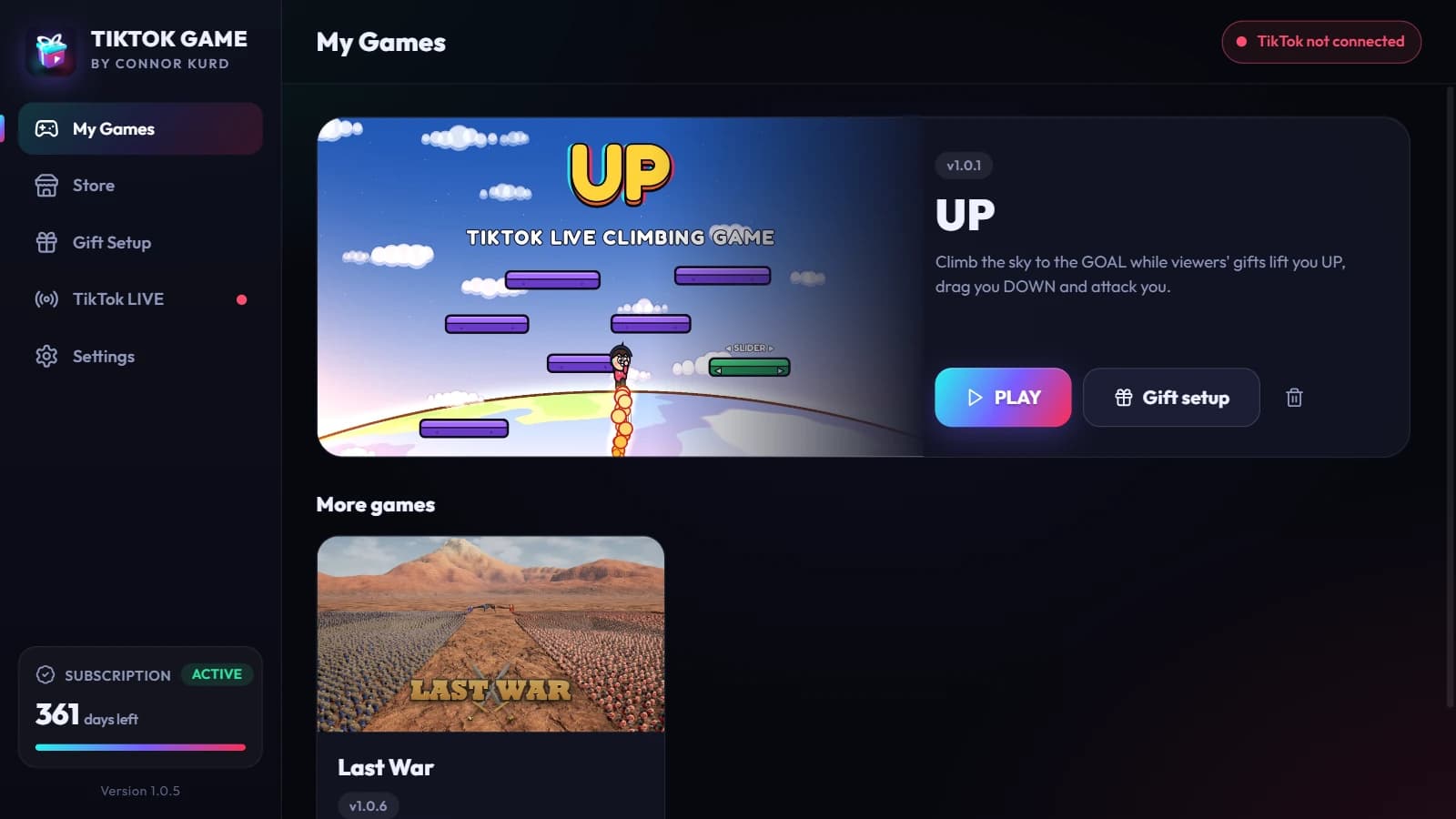
Your viewers send gifts, likes and follows - and the game on your stream reacts in real time.
 Swordsman ×10
 Swordsman ×10Archer ×20
 Heart
 Perfume
 Hand Heart
 Brown Paw
 Rosa
 Boxing Gloves
 Galaxy
 Hand Heart
 Overreact
 G.O.A.T. Busker
 Witchy Kitty
 Ice Cream Cone
 Spinning Soccer
 Heart Gaze
 Journey Pass
 Sceptre
 Corgi
 Hat and Mustache
Go LIVE in 4 steps
Download
Download the Tiktok Game Installer, install it on your Windows PC and open Tiktok Game.
Get a key
Buy your subscription key from @CONNORKURD on Telegram or connor.kurd on Discord.
Connect
Type your TikTok username, pick a game and press PLAY.
Go LIVE
Viewers send gifts, likes and follows - and the game reacts on your stream.
Get your key on Telegram or Discord
Tiktok Game works with a subscription key. Message me on Telegram or Discord to buy one and I'll send you your key.
- 1Open my Telegram or add connor.kurd on Discord
- 2Send me a message to buy a subscription
- 3Type your key into Tiktok Game
Send a gift
Tap a gift like a viewer would. Every gift pushes its team's bar - fill the whole bar to win.
Made for streamers
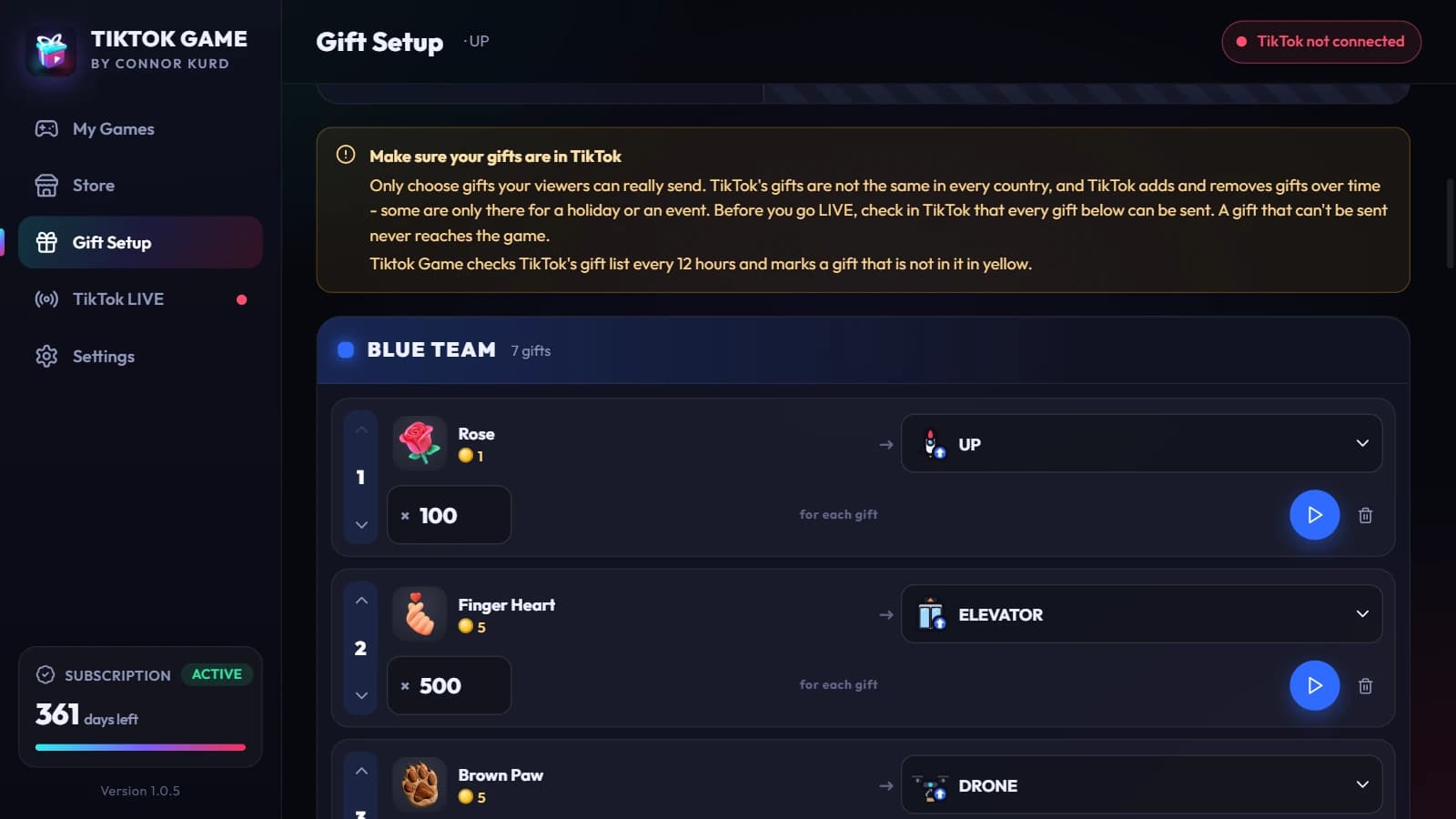
Gift Setup
Choose what every TikTok gift does in the game - and how strong it is.
Likes, follows and fan club
Not only gifts: likes, new followers and fan club members play too.
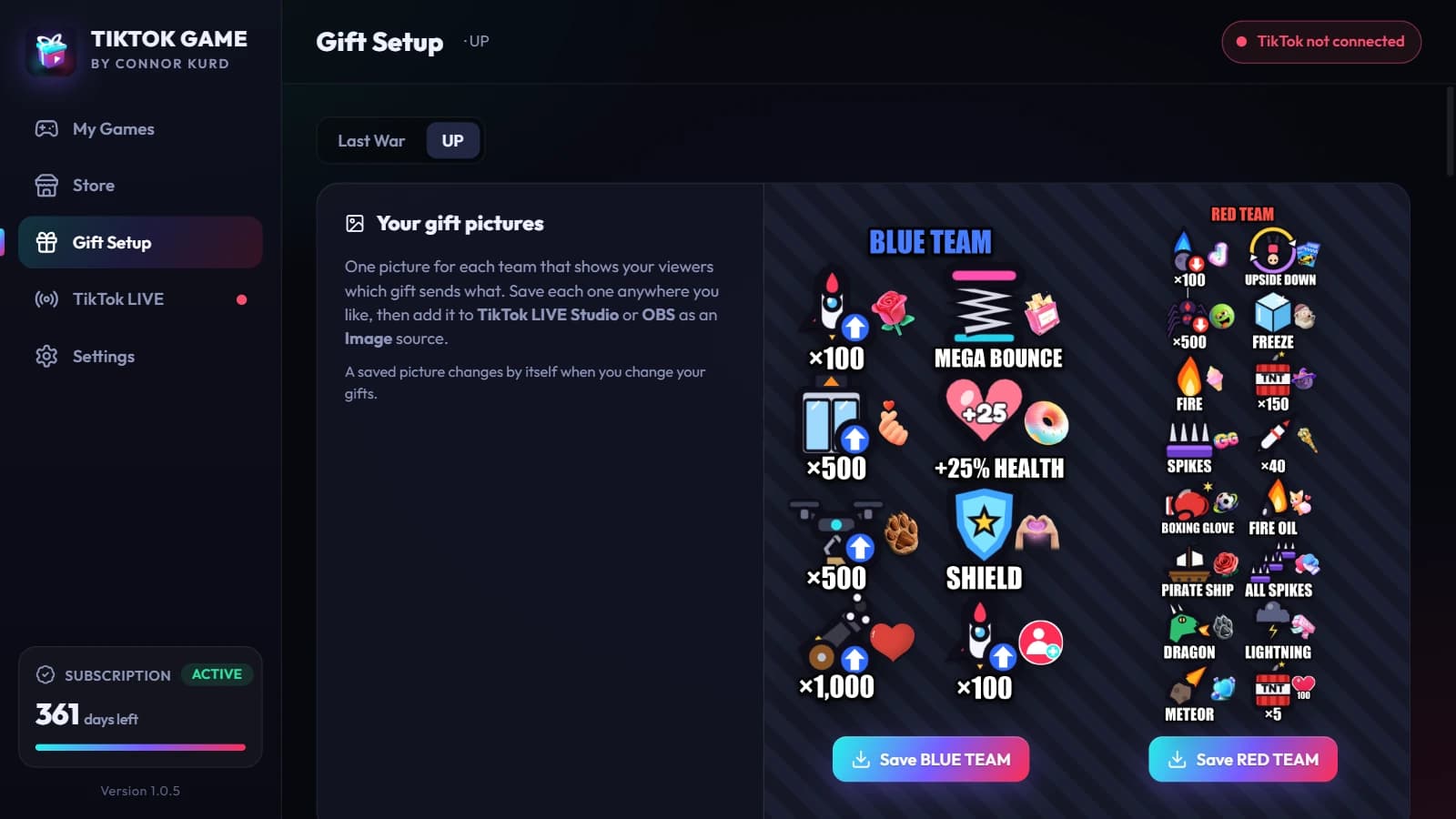
Gift pictures
Save a picture of each team's gifts and add it to TikTok LIVE Studio or OBS.
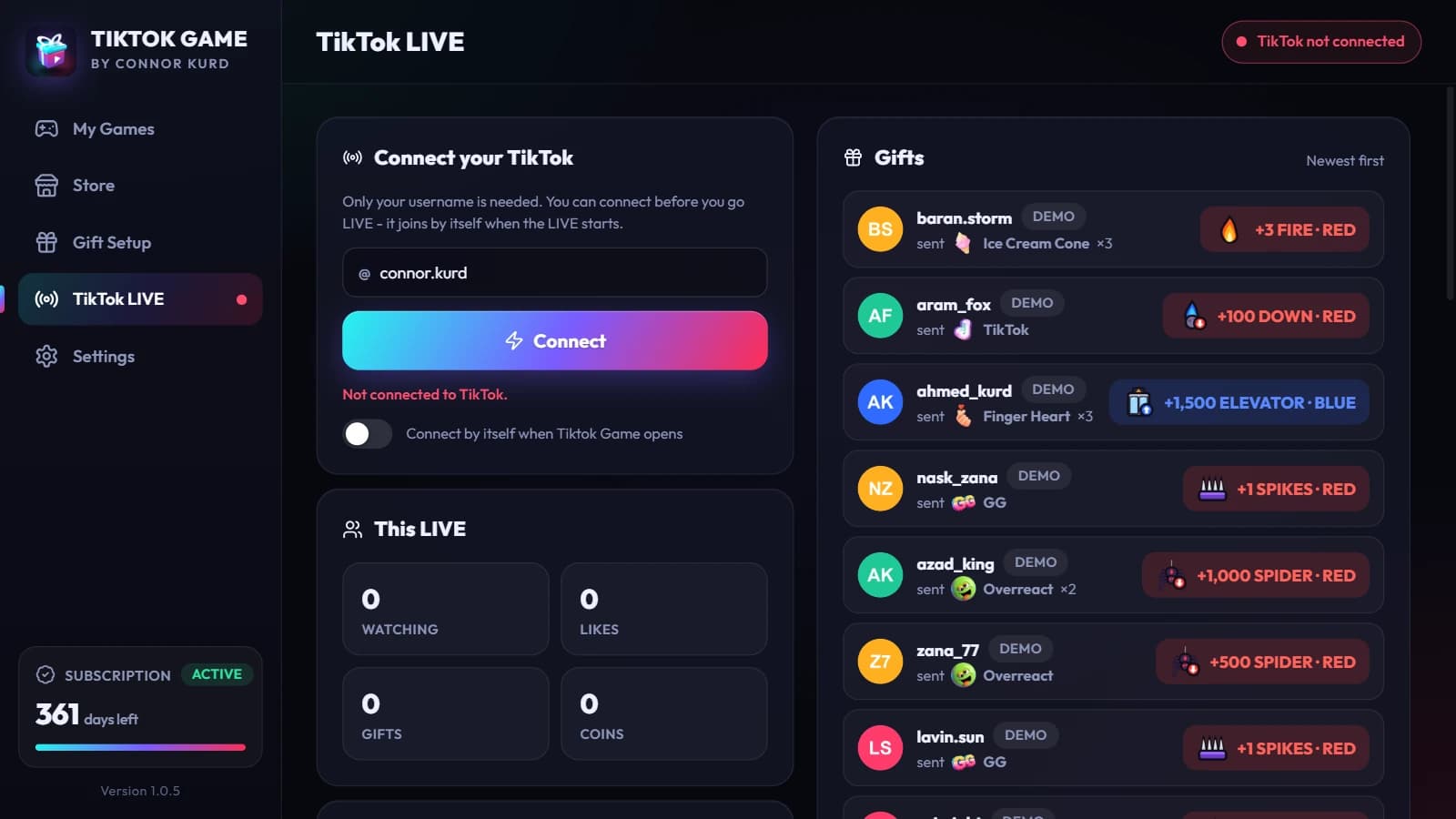
Demo gifts
Test everything with fake gifts before you go LIVE.
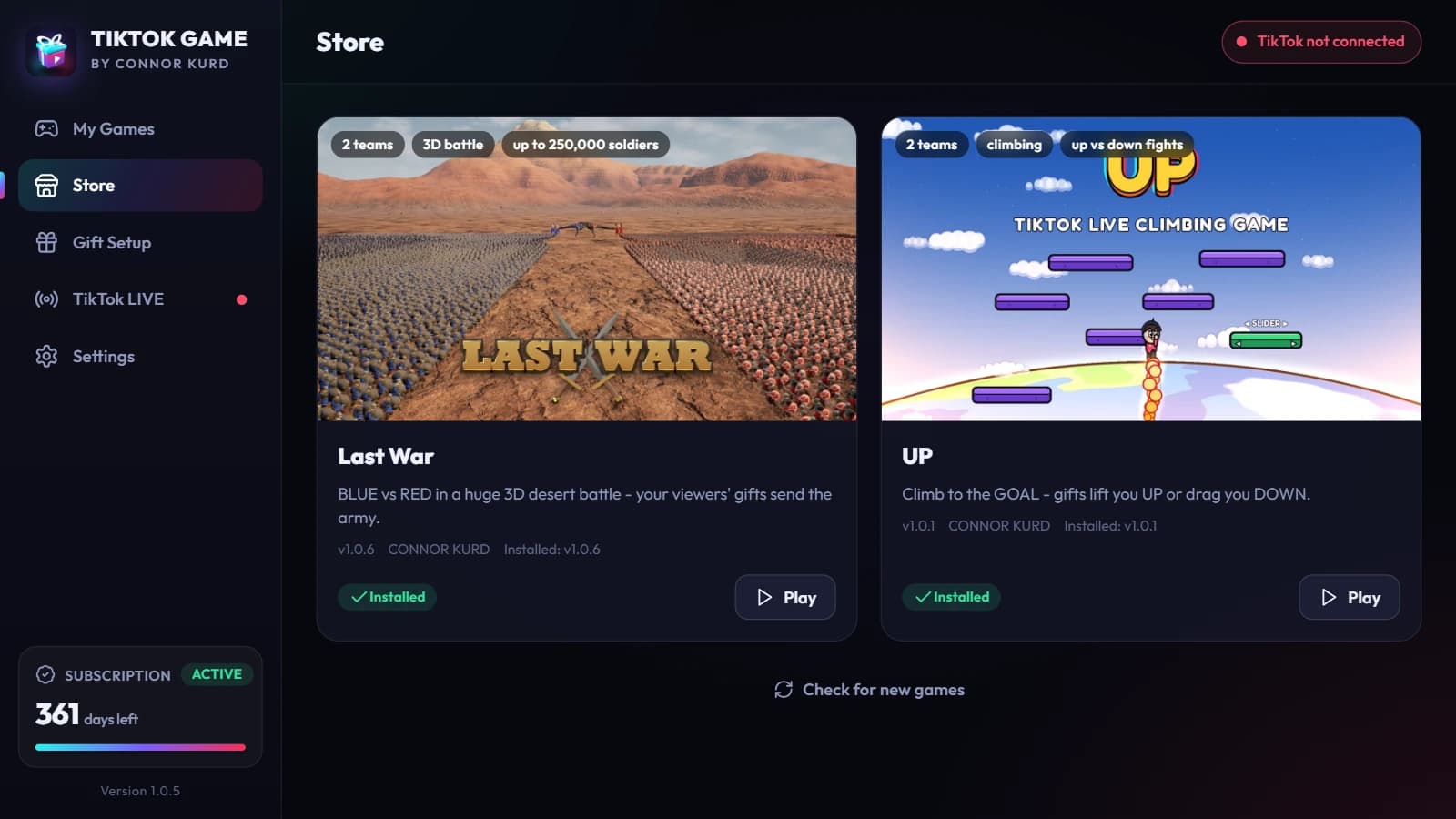
Game Store
New games and updates arrive in the Store inside the app.
Updates itself
Tiktok Game keeps itself up to date - nothing to download again.
Take a look
Ready to go LIVE?
Download the Tiktok Game Installer, get your key on Telegram or Discord and let your viewers play.